Bought a CS2 skin, it’s in your inventory, but you can’t trade or sell it? That is Steam’s trade protection — players often call it a “trade ban” or “trade hold”. It works the same on every marketplace and lifts by itself after 7 days.
Below: how the protection works, how it differs from the hold without Steam Guard and other restrictions, and what to do about them.
Trade protection: 7 days
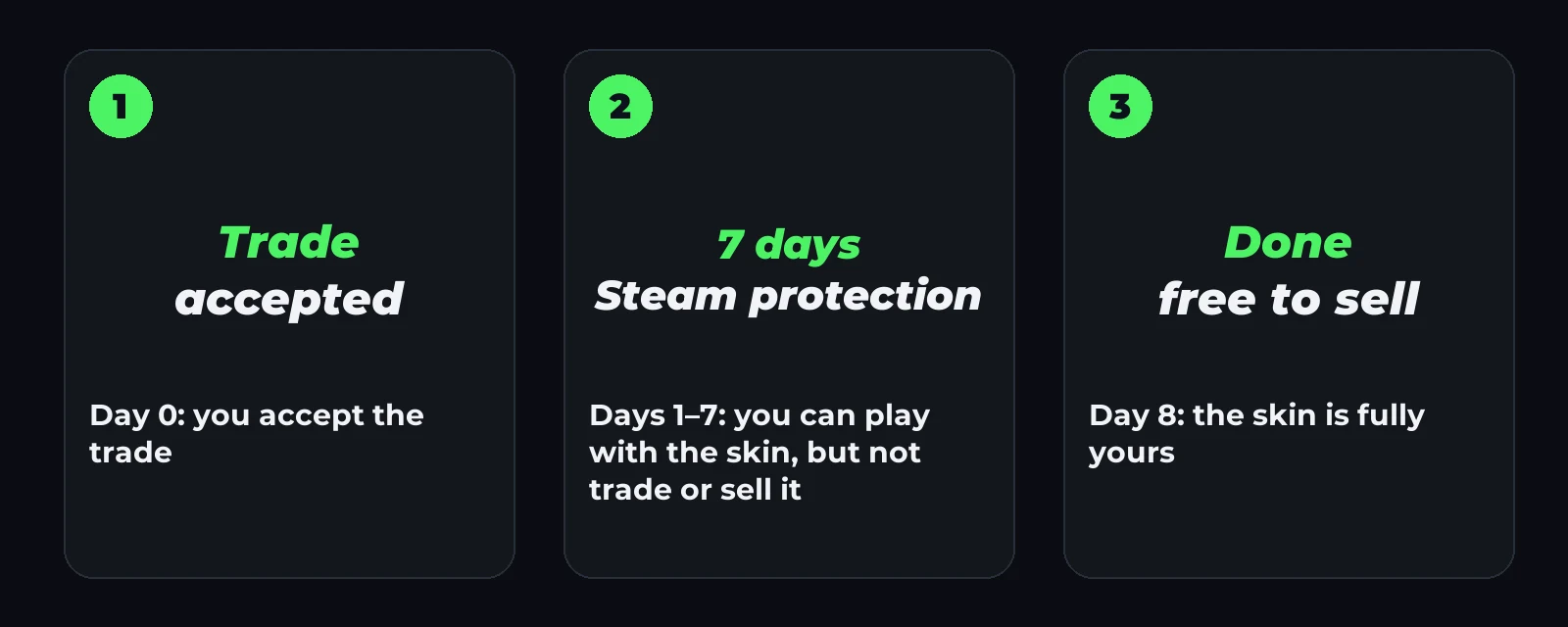
After every trade, CS2 items get Steam’s protection for 7 days.
What it means:
- the skin sits in your inventory and you can play with it;
- you can’t trade it to another player and can’t sell it — on Steam Market or anywhere else;
- you can’t apply a sticker, charm or name tag to it, or open a case you bought;
- after 7 days the restriction lifts by itself, nothing to do.
Steam brought in this protection against scams and account theft: during those 7 days a trade can be reversed through Steam. That is why both the seller and the buyer have to wait a week.
On csmarket, every sale in Trades shows the date the money arrives, with those 7 days counted in.
Hold without Steam Guard: up to 15 days
This is a different restriction. If the account has no Steam Guard mobile authenticator, Steam holds every trade for up to 15 days: the item doesn’t arrive at once but waits.
How to remove it:
- Install the Steam app on your phone and sign in.
- Turn on Steam Guard in the app.
- Wait 7 days — after that, trades go through at once.
Tip: turn on Steam Guard before you buy. When csmarket checks your trade link, we show right away if Steam is holding trades on your account.
Other restrictions
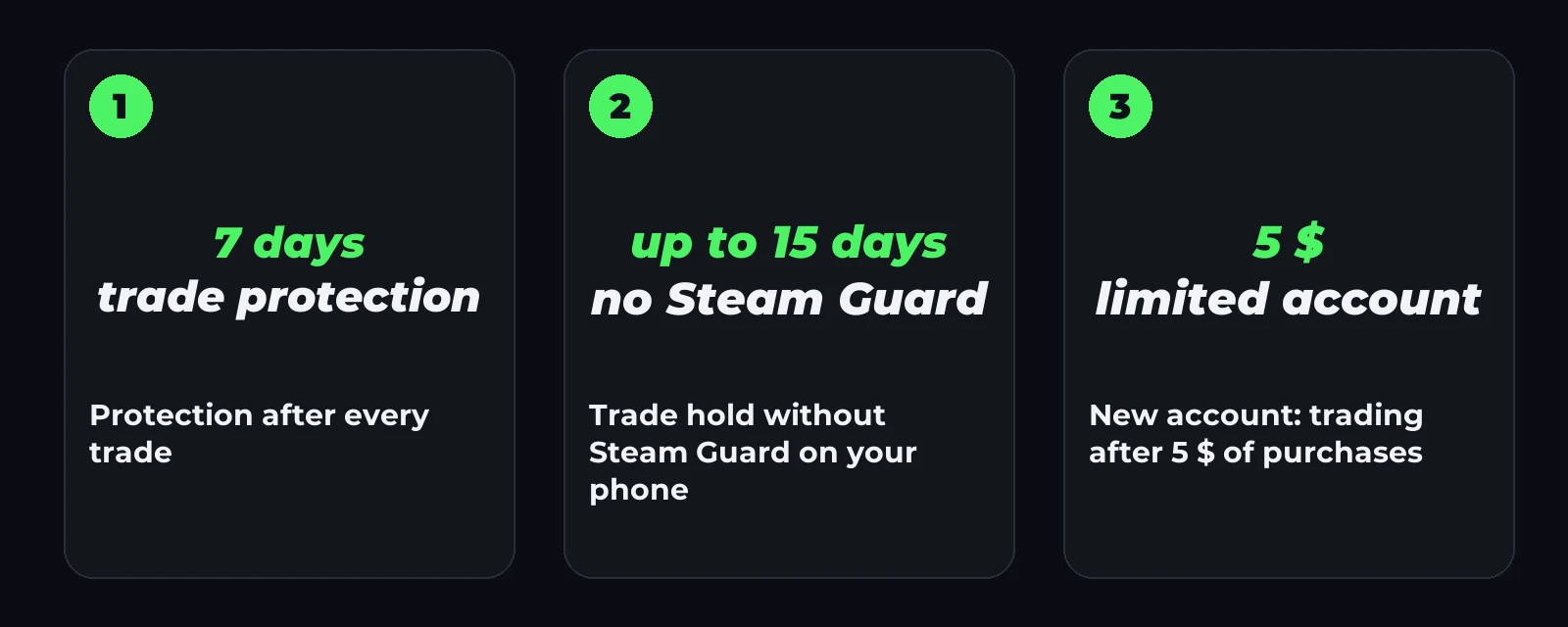
- Limited account. A new account can’t trade until 5 $ has been spent on Steam.
- A changed password or Steam Guard. After such changes, Steam closes trading for a while. Steam itself shows how long on the trade page.
- A trade ban. If Steam has restricted the account, skins can’t be sent to it until the restriction lifts.
- A private inventory. Not a hold, but the trade won’t go through either. Make your inventory public in the privacy settings.
How to check and fix each one: How to find your Steam trade link.
How it affects buying and selling
- Buying. The skin arrives as soon as you accept the trade. You can play with it the same day, and sell or trade it after 7 days.
- Selling. Money for sold skins comes after the 7-day protection: to your balance right after it, to a card within 12 hours. More in Where to sell CS2 skins in Uzbekistan.
FAQ
Can trade protection be lifted early? No. It’s Steam’s rule, the same for everyone.
Can I play with the skin during protection? Yes. Only trading, selling and changing the item are blocked.
Why is my trade “on hold” for 15 days? The account has no mobile Steam Guard. Turn it on and wait 7 days.
What if I buy a skin on Steam Market? It has its own rule: an item bought there can’t be traded or listed again for 7 days.