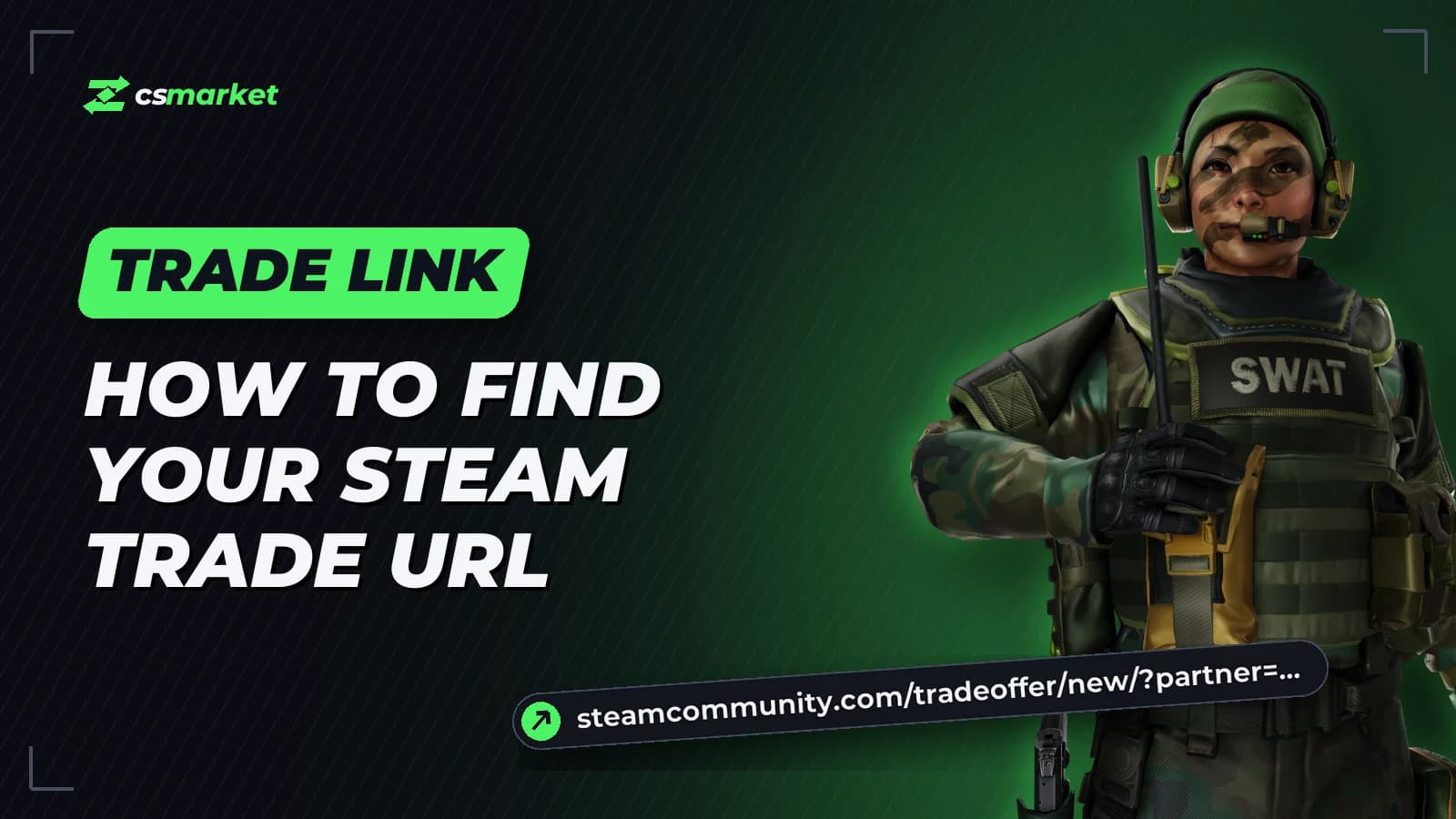
A trade link (Trade URL) is your Steam link for trade offers. With it, anyone can send you a trade offer without adding you as a friend. You need it to buy a CS2 skin on a marketplace: the seller sends the item to exactly this link.
It looks like this:
https://steamcommunity.com/tradeoffer/new/?partner=123456789&token=AbCd1234
It takes a minute to find, on a computer or a phone.
How to find your trade link on a computer
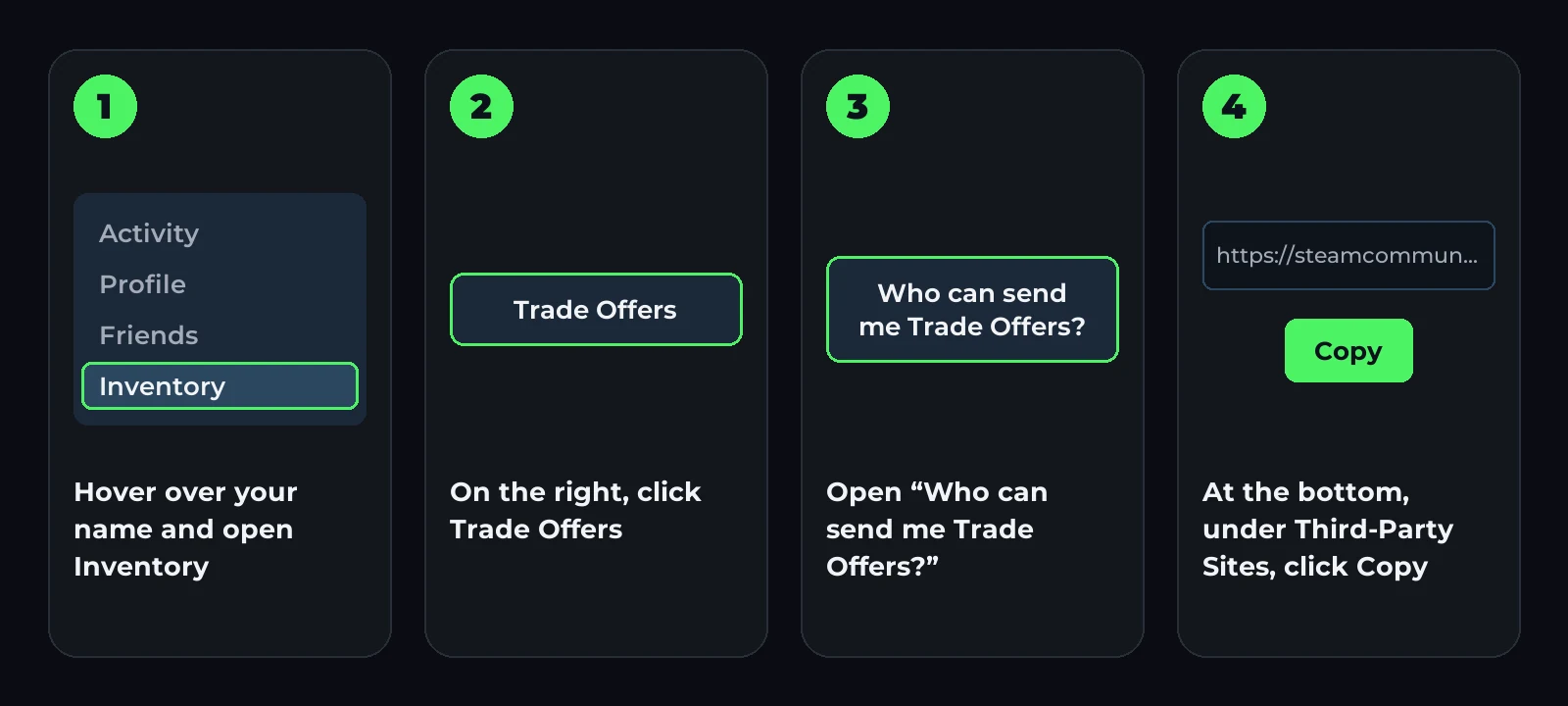
- Open Steam — the app or steamcommunity.com — and sign in.
- Hover over your name at the top and choose Inventory.
- On the right, click Trade Offers.
- In the right-hand column, open Who can send me Trade Offers?.
- At the bottom of the page, under Third-Party Sites, there is a Trade URL field. Click Copy.
There is a shortcut: open steamcommunity.com/my/tradeoffers/privacy. If you are signed in to Steam, the right page opens straight away.
How to find your trade link on a phone
The easiest way is through the browser:
- Open steamcommunity.com/my/tradeoffers/privacy in your phone’s browser.
- Sign in to Steam. The confirmation code arrives in the Steam app.
- Scroll down to Third-Party Sites and copy the link.
Make your inventory public
If your inventory is private, nothing can be sent to the link. Check your settings:
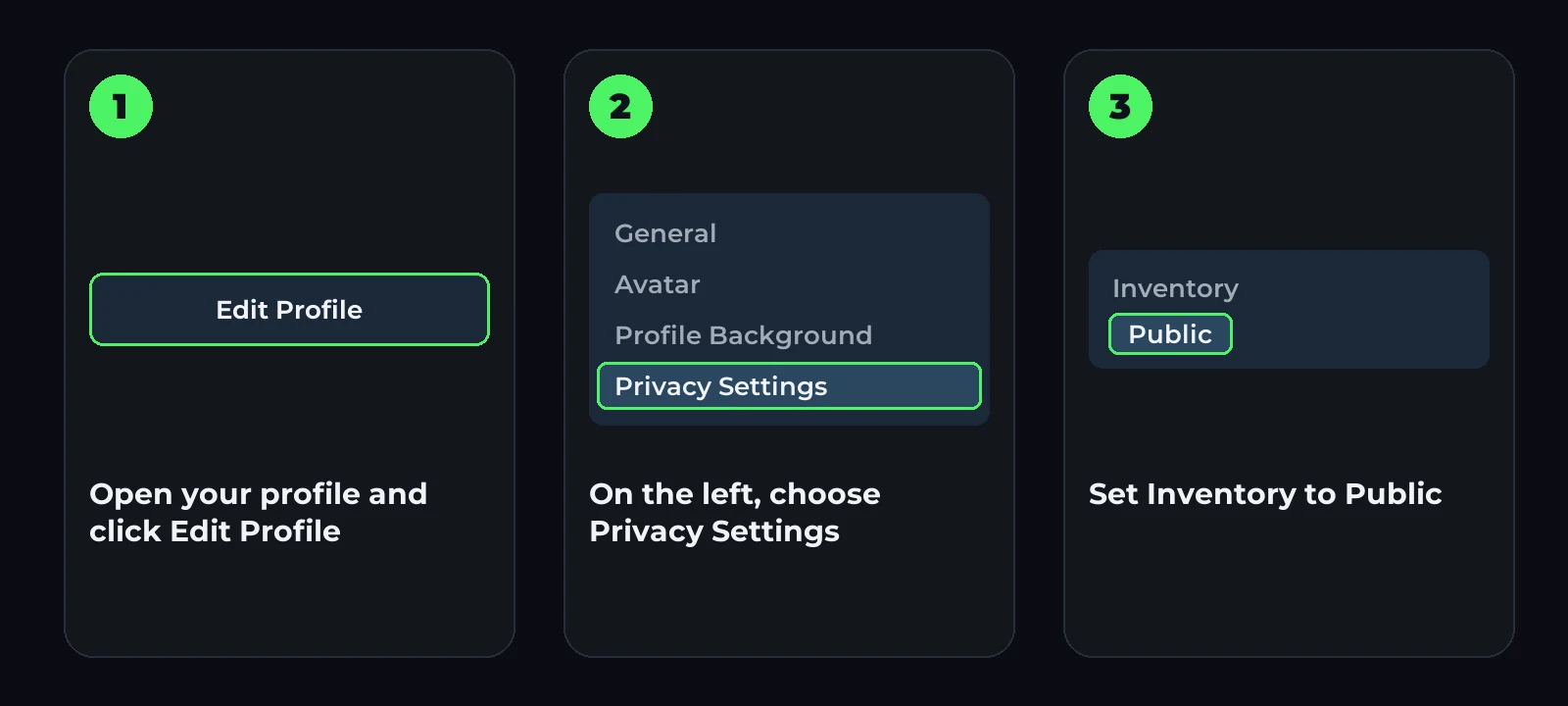
- Steam → your name → Profile → Edit Profile.
- On the left, Privacy Settings.
- Set My profile and Inventory to Public.
How to add your trade link on csmarket
- Sign in to csmarket with Steam.
- Open your profile and paste the link into the Trade link field.
- Click Save.
You only need to save it once. We check it right away and show you if something blocks trades: a private inventory, no Steam Guard or a restriction on the account.
Why your trade link doesn’t work
- You created a new link. After Create New URL, the old one stops working. Copy the new one and save it again.
- Your inventory is private. Make it public in the privacy settings (see above).
- No Steam Guard on your phone. Without the mobile authenticator, Steam holds trades for up to 15 days. Turn it on in the Steam app: after 7 days, trades go through at once. More in Steam trade protection.
- The account is limited. A new account cannot trade until 5 $ has been spent on it in Steam.
- A trade ban. If Steam has restricted the account, the skin cannot be sent to it. Steam shows how long the restriction lasts.
- It’s another account’s link. You need the link of the account you signed in with.
Is it safe to share your trade link
Yes. A trade link only lets someone offer you a trade. Nobody can take your items without your confirmation.
Still, be careful:
- before accepting a trade, check what you give and what you get;
- never enter your Steam login and password on unfamiliar sites — sign in only on steamcommunity.com;
- never give anyone your Steam API key or Steam Guard codes.
Got the link — pick a skin
For example, affordable skins from the catalogue, priced in soʻm:


Everything else is on the market.
FAQ
Where do I find my trade link in Steam? Inventory → Trade Offers → Who can send me Trade Offers?. The link is at the bottom, under Third-Party Sites.
Does the trade link change by itself? No. It only changes when you click Create New URL.
Can I find my trade link in the Steam app? It is easier to open steamcommunity.com/my/tradeoffers/privacy in your phone’s browser and copy the link there.
What happens if I send someone my trade link? They can offer you a trade. Nothing leaves your inventory without your confirmation.