In short: to sell CS2 skins in Uzbekistan and get soʻm on your card, use csmarket.uz. The money goes to Uzcard, Humo or Uzum Visa, or to your balance on the site. Steam Market doesn’t pay out in soʻm, and selling on Telegram rests on trust alone.
Below is how the options differ and how to sell skins step by step. Terms as of November 2026.
Three ways to sell skins
| Steam Market | Buyers on Telegram | csmarket.uz | |
|---|---|---|---|
| Where the money goes | Steam Wallet only | Whatever you agree | Uzcard, Humo, Uzum Visa or your balance |
| Cash out to a card | No | Yes | Yes |
| Fee | About 15% per sale | Whatever you agree | 1% to Uzcard and Humo, 0% to Uzum Visa |
| Guarantee | Yes | No | Yes |
| Price | Shown at once | Haggling | Shown at once, in soʻm |
Steam Market
Valve’s official marketplace. Selling there is easy, but:
- Steam and the game take about 15% of every sale (5% Steam, 10% CS2);
- the money stays in your Steam Wallet: you can spend it only on Steam and cannot withdraw it to a card.
It suits you if you are going to buy games or other skins on Steam anyway.
Buyers on Telegram
Channels and chats buy skins for a card transfer. You can haggle, but there is no guarantee. If you hand over the skin first and the transfer never comes, getting the skin back is nearly impossible.
If you sell this way, sell only to people with a proven reputation, and don’t hand everything over at once.
csmarket.uz
A site where you can both buy and sell CS2 skins for soʻm. You see the price of every item at once, before you sell.
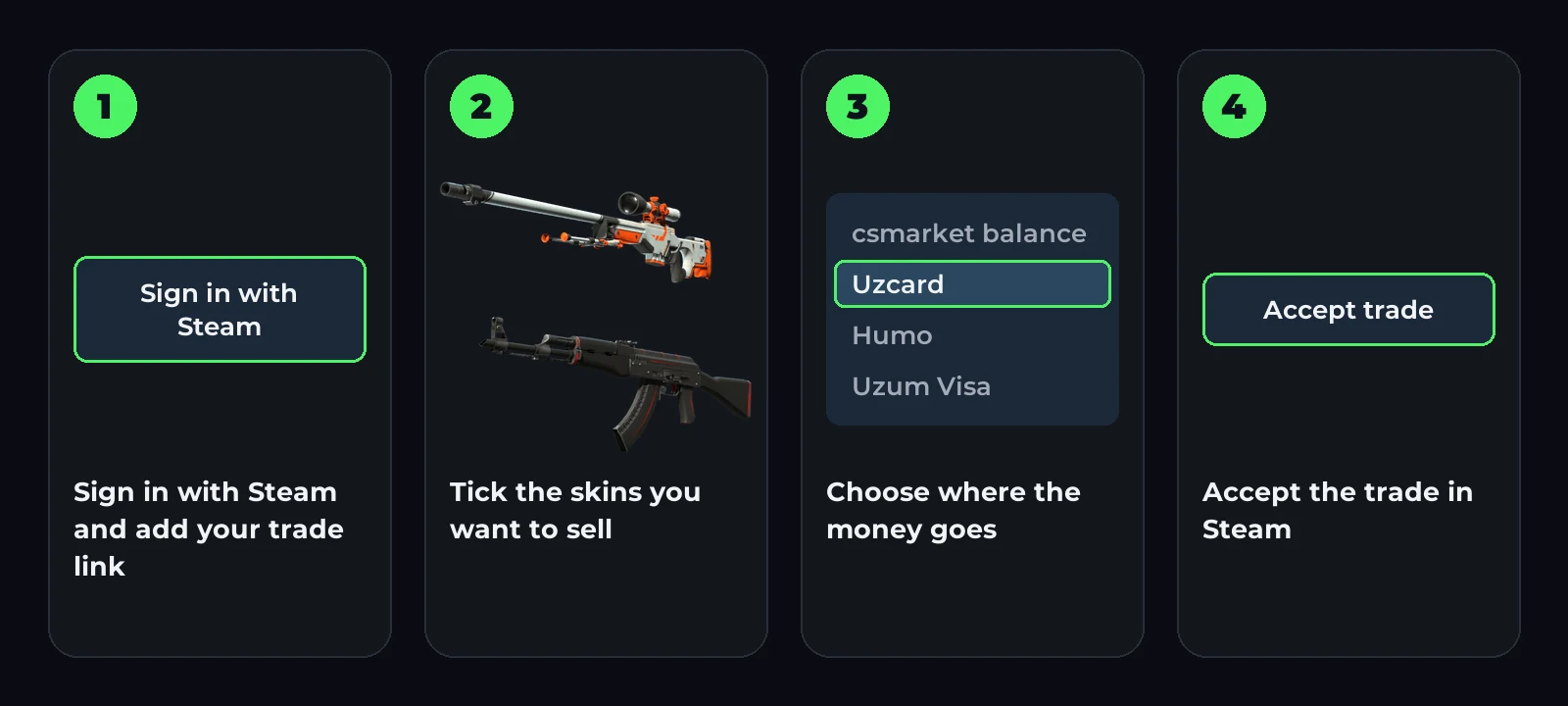
- Open the Sell skins page and sign in with Steam.
- Add your trade link if you haven’t yet. How to find it: How to find your Steam trade link.
- Tick skins from your inventory. The total in soʻm is worked out right away.
- Choose where the money goes: your csmarket balance or a card.
- Click Sell and accept the trade in Steam.
When the money arrives
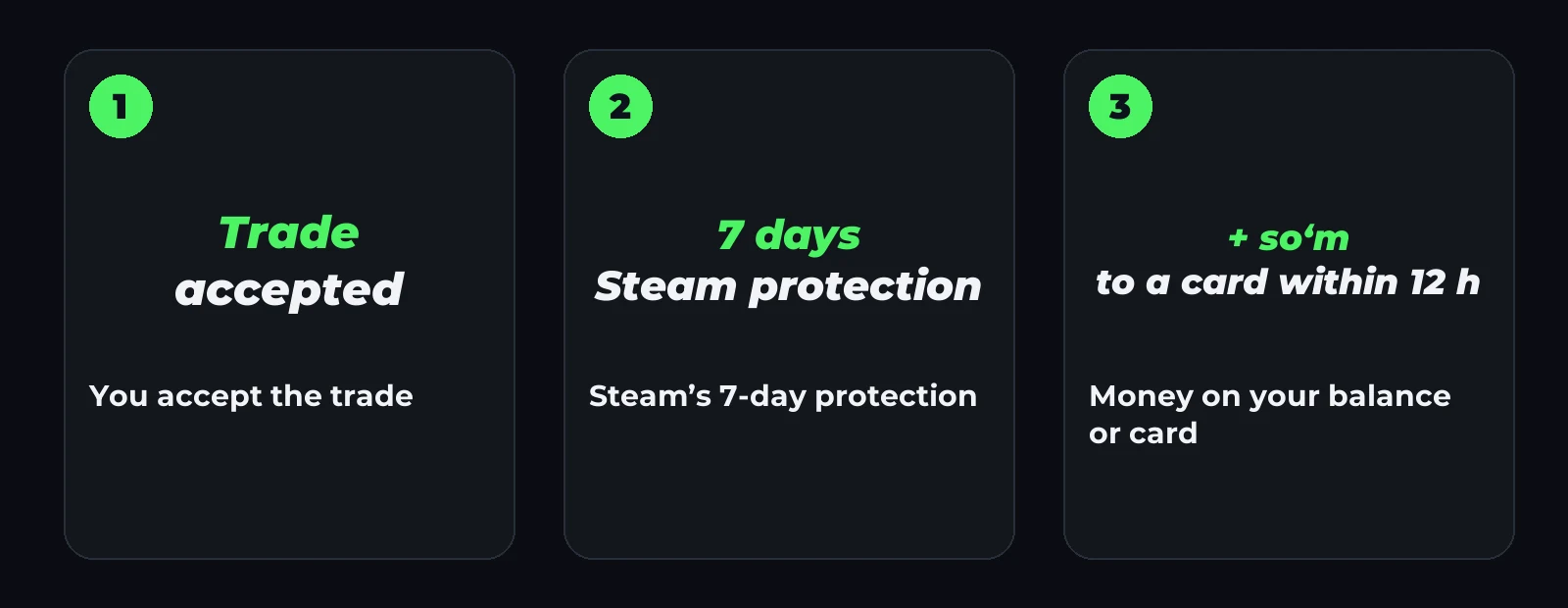
After the trade, Steam keeps a 7-day protection: the skin is already with us, but it can’t be passed on. This is Steam’s rule for every marketplace — more in Steam trade protection.
- To your csmarket balance, the money arrives 7 days after the trade, with a +1% bonus. You can spend it on another skin straight away.
- To a card, within 12 hours after those 7 days.
If the trade is reversed in Steam during those 7 days, no money is paid for the sale.
Terms as of November 2026
- The minimum sale is 11,600 soʻm.
- To a card, from 30,000 soʻm.
- Fee: Uzcard and Humo 1%, Uzum Visa 0%.
- To your balance: no fee and a +1% bonus.
- You can save up to three cards in your profile.
What to check before selling
- Your inventory is public. Otherwise we can’t see it.
- Steam Guard is on your phone. Without it, Steam holds trades.
- Your trade link is current. If you created a new one in Steam, save it in your profile too.
More on each problem: the trade link article.
FAQ
Can I sell CS2 skins for real money in Uzbekistan? Yes. On csmarket.uz, the money arrives in soʻm on Uzcard, Humo or Uzum Visa.
Why can’t I get the money at once? Steam protects every trade for 7 days. The money comes after that.
How much are my skins worth? Sign in on the Sell skins page: you see the price of every item at once.
Which skins can I sell? The sell page shows every item in your inventory that we are buying now.