Short answer: you can buy CS2 skins in Uzbekistan for soʻm on csmarket.uz. Pay with Click, Payme or Uzum, the skin arrives as a Steam trade offer, and if the trade fails the money returns to your balance by itself. You can also sell skins there and get the money on a Uzcard, Humo or Uzum Visa card.
Below is how the main options differ and which one fits what you need. The comparison is as of November 2026.
Four ways to buy a skin
| Steam Market | Skinport and other foreign markets | Telegram sellers | csmarket.uz | |
|---|---|---|---|---|
| How you pay | Steam wallet | Foreign card, crypto | Card transfer to a person | Click, Payme, Uzum, site balance |
| Currency | US dollars | Euros or dollars | Soʻm | Soʻm |
| Foreign card needed | Often, to top up Steam | Yes | No | No |
| If the skin doesn't arrive | Can't happen: it lands in your inventory at once | Market support, in English | Only trust in the seller | Money returns to your balance by itself |
| Sell and cash out | Steam wallet only | To a foreign account | Arrange it yourself | To a Uzcard, Humo or Uzum Visa card |
| Language | Russian | English, Russian | Russian, Uzbek | Russian, Uzbek, English |
Steam Market
Valve's official marketplace. Handy if your Steam wallet already has money on it.
Downsides in Uzbekistan:
- the wallet has to be topped up, and Steam does not always accept local cards — you often need a middleman who charges a fee;
- Steam and the game keep about 15% of every sale;
- money from sales stays in Steam: you can't withdraw it to a card.
Skinport and other foreign markets
Big marketplaces with a wide choice, sometimes cheaper than the Steam Market.
Downsides:
- prices are in euros or dollars, and you pay with a foreign card or crypto — you lose on the exchange rate;
- support and rules are in English;
- money from sales goes to a foreign account or to crypto.
Telegram sellers
Channels and chats often offer skins cheaper, paid by a card transfer.
The main risk is that there is no guarantee. You send money to a stranger, and if the skin never arrives, getting it back is almost impossible. If you buy this way, use only sellers with a proven reputation and don't send the whole amount upfront.
csmarket.uz
A CS2 skin shop made for players in Uzbekistan. The catalogue has over 15,000 skins: knives, gloves, rifles, pistols, cases.
- The price is in soʻm right away. No exchange rate to work out — you see the amount before you pay.
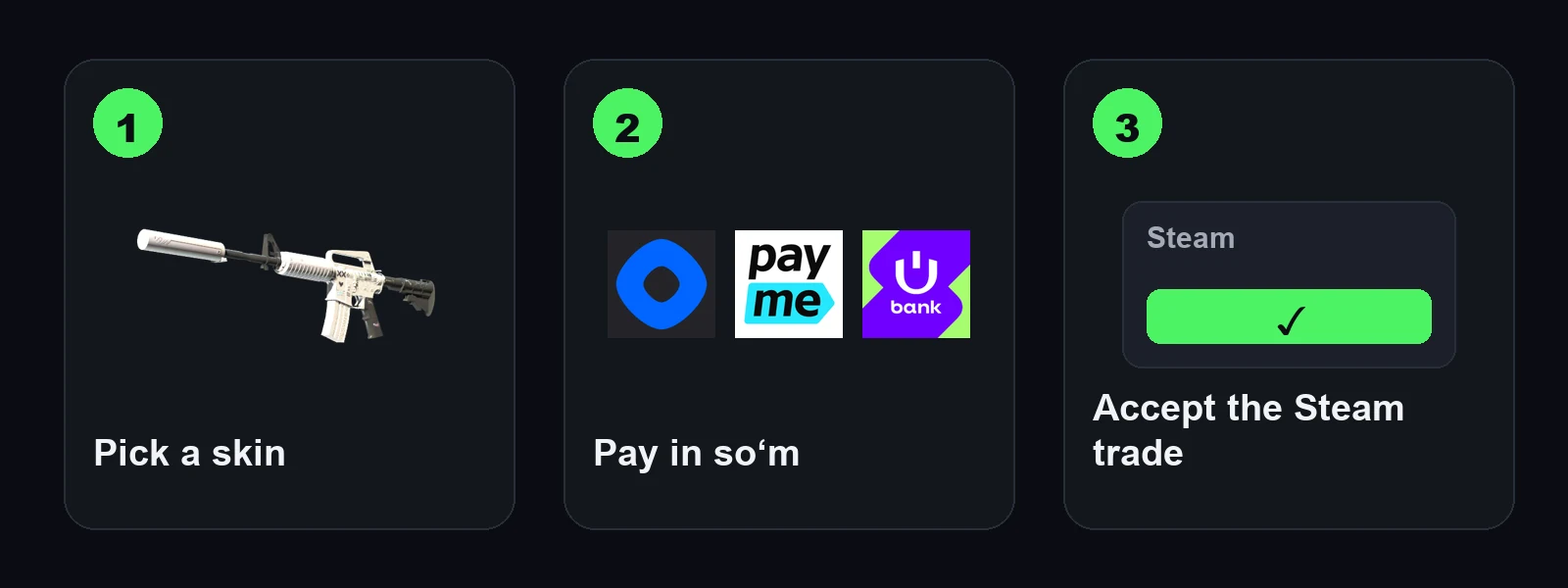
- Pay like in any local shop — with Click, Payme or Uzum. A Uzcard or Humo card is enough.
- Sign in with Steam. No registration, no passwords.
- The skin arrives as a Steam trade offer. You only need to accept it.
- Trade failed — money on your balance. The refund comes by itself, no request needed, and you can spend it on another skin right away.
- You can sell, too. Pick skins from your inventory, accept the trade, and the money comes to your site balance or to a Uzcard, Humo or Uzum Visa card.
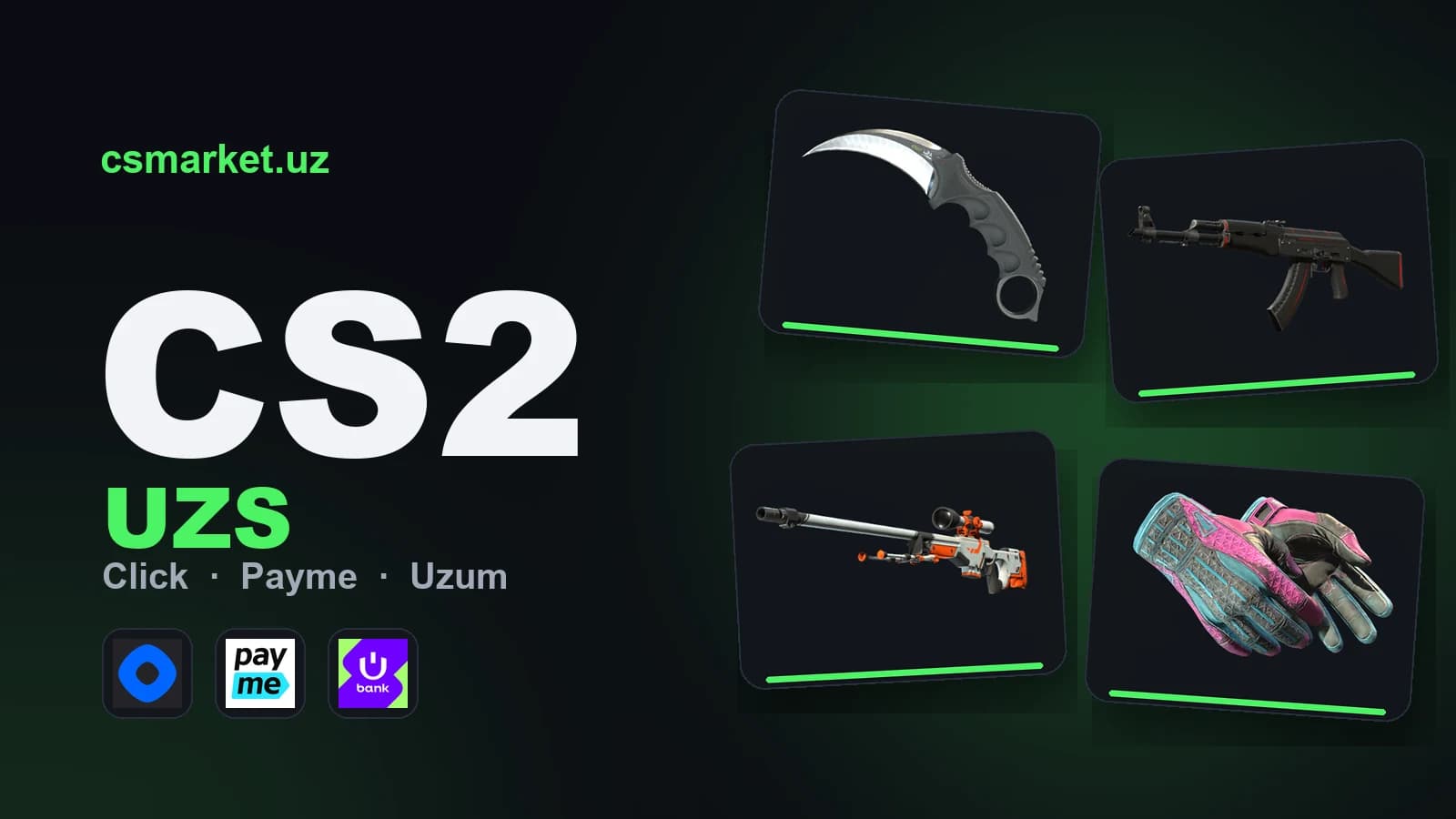
Here is how skins look in the catalogue, priced in soʻm:


Which one to choose
- You have money in your Steam wallet and want to spend it there — Steam Market.
- You have a foreign card and English is no problem — Skinport and similar markets.
- You pay with Uzcard or Humo and want a guaranteed refund — csmarket.uz.
- You want to sell skins and get soʻm on a card — csmarket.uz: the Steam Market can't do that.
Why a bought skin can't be traded right away
This is Steam's trade protection, and it works the same on every marketplace. For 7 days after a trade the skin sits in your inventory — you can play with it, but you can't trade or sell it. After a week the restriction lifts and the item is fully yours.
FAQ
Can I buy CS2 skins for soʻm? Yes. On csmarket.uz prices are in soʻm, and you pay with Click, Payme or Uzum.
Do I need a foreign card? Not on csmarket.uz: a Uzcard or Humo card is enough. The Steam Market and foreign marketplaces usually need one.
What if the skin doesn't arrive? On csmarket.uz the money returns to your site balance by itself, and you can spend it on another skin right away.
How do I sell CS2 skins in Uzbekistan? On csmarket.uz: sign in with Steam, pick the skins and accept the trade. The money comes to your balance or card after Steam's 7-day trade protection.